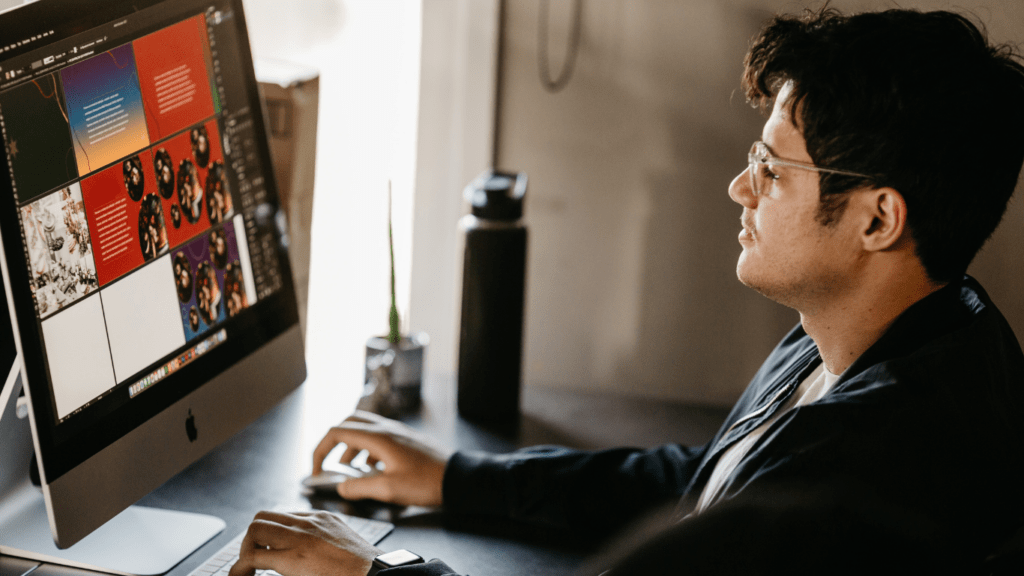
The Changing Landscape of Remote Work
Remote isn’t a trend anymore it’s the new baseline. Hybrid setups have carved out permanent space in how teams operate, especially post 2023 when companies finally stopped pretending things would go back to how they were. Fully remote teams still exist, but now it’s more about creating systems that work whether someone is in an office, a home workspace, or on the road.
Cross border work used to be reserved for startups or scrappy dev teams. Now, it’s baked into org charts worldwide. A designer in Lagos, a product lead in Berlin, and a dev in Toronto it’s not novel, it’s normal. Collaboration tools have caught up, timezone coordination is no longer a pain point, and hiring globally simply means better odds of finding the right person for the job.
The core needs haven’t changed: teams still need strong communication, consistent project visibility, and a sense of shared purpose no matter the ZIP code. The difference is, companies that don’t actively invest in culture and infrastructure are the ones seeing churn. The next section digs into the tools that actually sustain this new way of working.
Essentials Only: What Tools Actually Matter

Overstacked toolkits are one of the stealth killers of remote productivity. Teams waste time toggling between apps, syncing data manually, and burning mental energy managing the mess. More isn’t better it’s slower, less clear, and usually more expensive.
The focus now is simplicity with precision. The best setups cover five core needs. Miss one, and collaboration feels scattered. Try to juggle six versions of the same thing, and chaos follows. Here’s what matters:
Communication You need one hub for messaging and discussions. It should be fast, searchable, and ideally integrate with your other tools.
Project Management This is your central nervous system. It tracks tasks, progress, and shared goals. Clarity here saves hours everywhere else.
File Sharing and Co Editing Stop emailing attachments. Collaborative tools that offer version control and real time editing are your default now.
Time Zone and Availability Tracking Distributed teams can’t work without visibility. Know who’s online, who’s sleeping, and when a meeting makes sense.
Virtual HQ / Team Presence Culture needs a home. Even async first teams benefit from virtual spaces where watercooler moments and quick huddles happen naturally.
Going lean doesn’t mean going bare. It means every tool earns its keep and no overlap is tolerated.
Communication
Remote work might stretch across time zones, but that hasn’t slowed the pace of how teams connect. The latest tools aren’t just copy pastes of their older versions they’re smarter, faster, more frictionless.
Slack 2.6+ now feels less like a flood and more like a filter. AI powered message summaries let you skip the hundred message scroll and still catch the pulse of a conversation. Threads are sharper, with context that doesn’t get buried. It makes Slack less noise, more signal.
Zoom Ultra pushes the platform beyond its talking head roots. Built in whiteboarding and automated recaps mean meetings don’t just happen they leave behind usable output. Teams don’t need a notetaker. Zoom captures key moments and surfaces action items while you’re already moving on.
Loom is now the go to for non meeting meetings. Say what you need in 90 seconds. Show your screen. Send it. Done. These async video updates are saving teams from one more invite, one more calendar squeeze. It’s clarity without delay, and attention on demand.
Whether live or async, communication tools now revolve around cutting lag, boosting understanding, and letting people work without always being present in the same moment.
Platforms that Think for Your Team
The next generation of remote collaboration software isn’t just reactive it’s proactive. These tools don’t wait for someone to flag a missed deadline or a stalled task. They step in.
AI native platforms are starting to act like silent project managers, learning how your team works and surfacing problems before they derail progress. They’ll nudge someone to take the lead on a floating task, tag an owner when a thread goes stale, or quietly ask, “Is this person overloaded?” based on cross tool activity and calendar strain.
It’s not magic, it’s smart pattern recognition at scale. The goal isn’t to replace managers; it’s to unclog daily workflows. These systems are becoming the connective tissue between people, projects, and performance especially for distributed teams that don’t have hallway chats to sort out ownership.
For fast moving, remote first teams, these platforms act less like tools and more like adaptive teammates. And in 2026, that shift matters.
Final Take: Productive Teams Go Lean, Not Loud
Less Noise, More Focus
In 2026, remote collaboration isn’t about who has the longest tool stack it’s about having the right tools that truly work together. Every new app promises more automation, better connection, or smarter workflows. But without alignment, more tools often mean more confusion.
Streamlined systems reduce friction and boost adoption
Integrated tools make updates visible across platforms
Simpler setups help teams stay focused on tasks, not tech
Quarterly Reviews Keep Workflows Agile
High performing teams treat their digital workspace like a living system. What worked in Q1 might slow you down in Q3. Regular tool audits ensure that your stack keeps up with how your team actually works.
Set a recurring quarterly review to evaluate tool usage
Ask: What do we use regularly? What overlaps? What feels outdated?
Eliminate tools that create distractions not value
The Lean Tech Stack Approach
The best remote teams in 2026 aren’t overloaded they’re intentional. They understand that every tool should have a purpose, integrate well, and support the culture they want to build.
Productivity isn’t powered by complexity it thrives on clarity.
Explore more top tier recommendations here: remote team tools